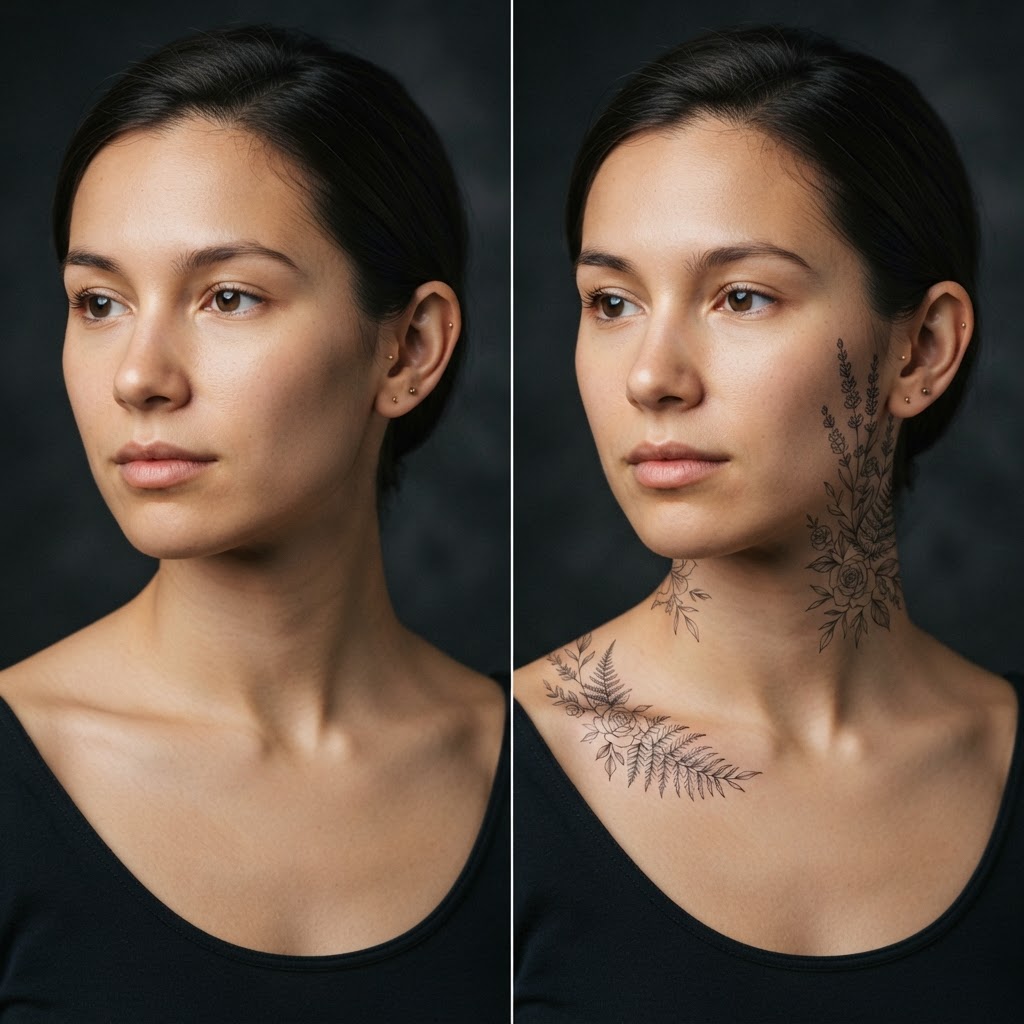
All about TattoosArm tattoo — see the design on yourself
The arm is the most popular spot for a bigger tattoo: flat, takes motifs well, easy to show off or cover with a sleeve. But a larger permanent design is a decade-long decision — so see it on your own photo first. FaceMorph transfers your chosen motif onto your arm with realistic shadow and perspective.
Try it on your photo20 free generations, no card requiredWhat decides if a design “sits” well
Anatomy: the arm muscle is rounded, so the design’s lines must follow its curve — otherwise the tattoo looks flat. Size: the motif needs enough area for the details to stay readable over years, as ink spreads slightly.
Skin tone: the contrast of the design depends on your natural shade — thin lines read differently on fair and darker skin. All of this only becomes visible on a preview photo.
Styles you can preview
The catalog covers botanical motifs (flowers, branches, lilies), symbols and geometric compositions, fine line styles, and bigger projects for the arm and forearm. Each is generated on your photo — you see exactly how the design interacts with your muscle line.
You can compare two scales of the same motif, or two different styles — like a studio consultation, only faster and commitment-free.
Before the studio session
The generated photo is the perfect reference for your artist: it shows not just the design but how it sits on your anatomy. The artist will suggest corrections — size, placement, line weight — and estimate the session time.
And if the preview convinces you it is the wrong motif — nothing lost. You tested the design on a photo; the skin stays untouched. First 20 generations free.