Why a try-on beats Pinterest boards
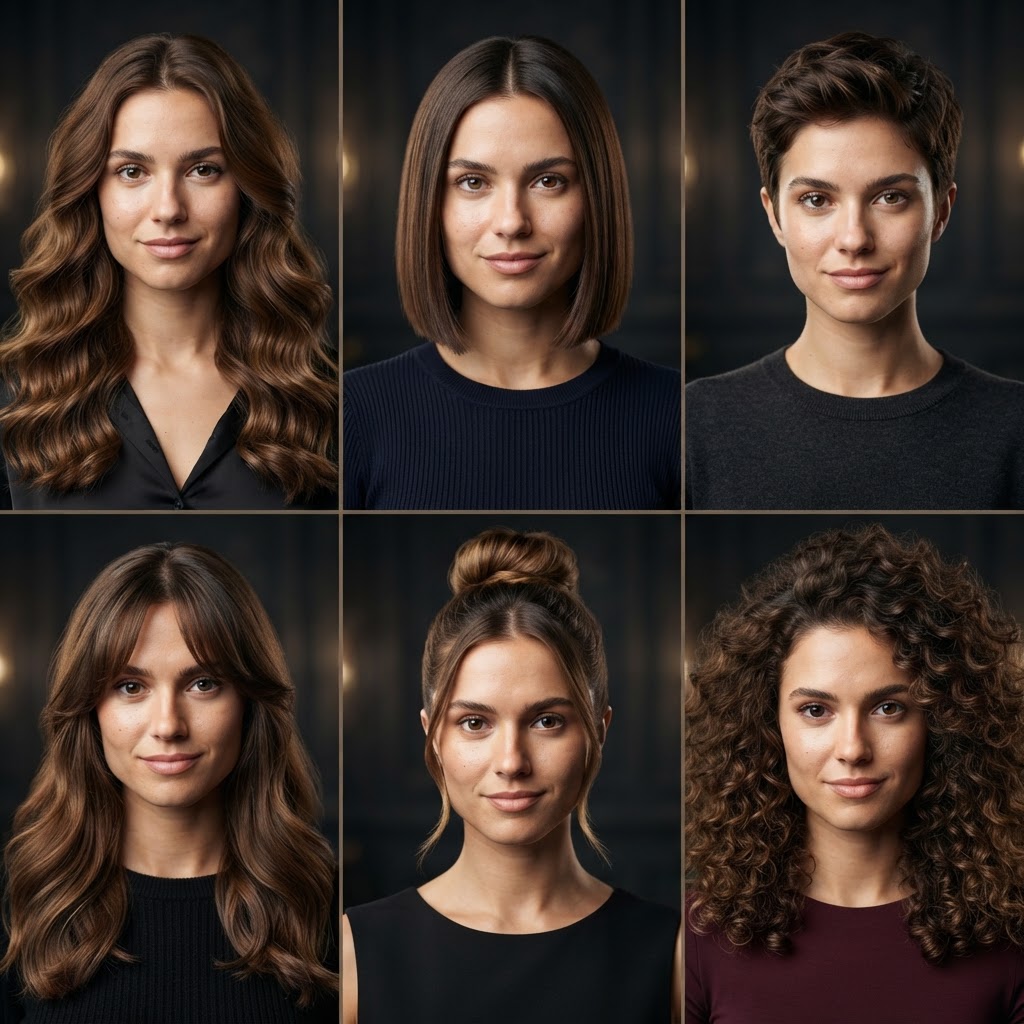
Photos of models tell you nothing about your own face. A cut that looks stunning on an oval face with high cheekbones can completely throw off a round or square face. A try-on on your own selfie shows the effect on your features — your skin tone, your jawline, your hairline.
In FaceMorph you pick a specific effect from the catalog and the generator paints it onto your photo with natural shading and hair volume. The result looks like a salon photo, not a sticker — which makes the decision far easier.
Which hairstyles you can try on
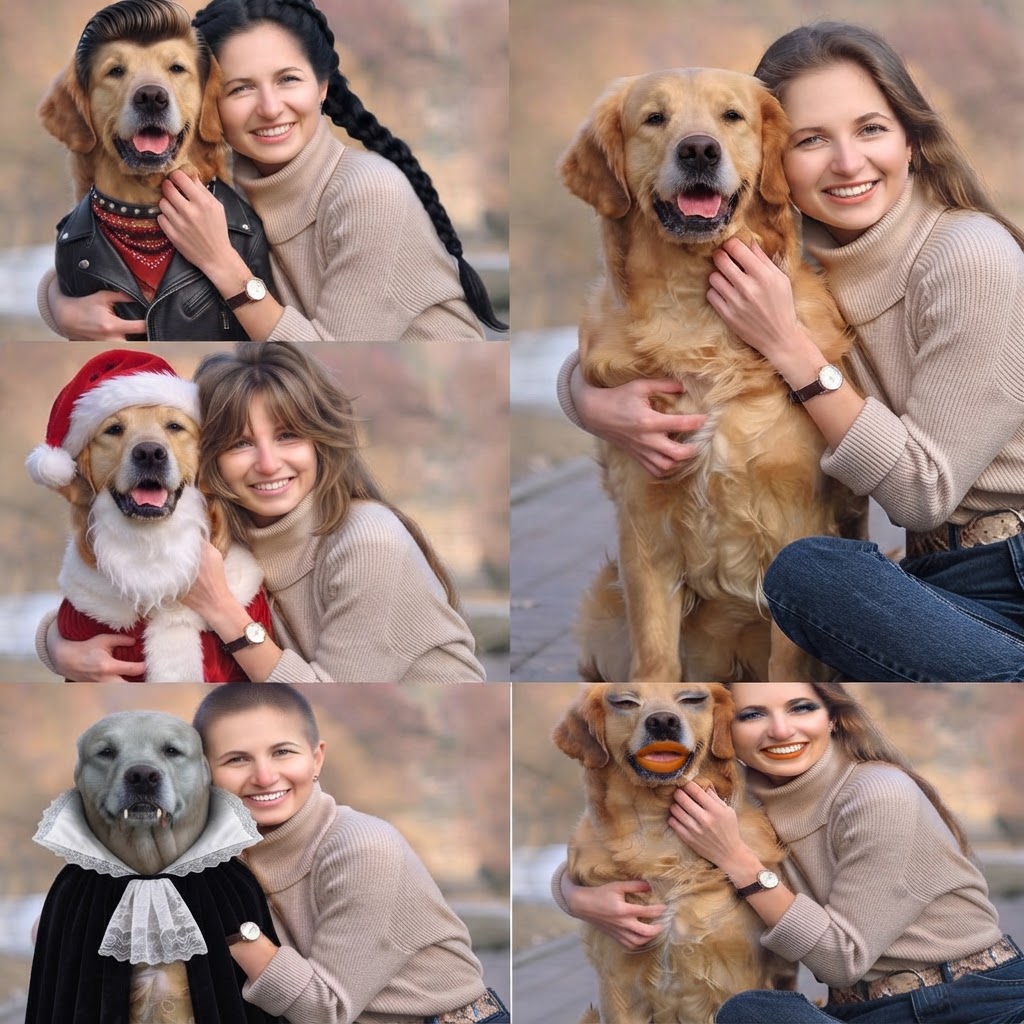
The catalog covers both women’s and men’s styles: bob and long bob, pixie cut, curtain bangs and full bangs, long waves, buns and half-up styles, dreadlocks, plus mustaches and beards for men. You can separately test length, texture (curly vs straight) and bang density.
You can generate several variants on one photo and compare them side by side — a chin-length bob next to a collarbone-grazing lob. It is the fastest way to rule out cuts that work in theory but not on you.
Who uses a virtual hairstyle try-on
Most users come before a big change: cutting long hair short, going pixie, a first fringe in years. It also works before important events — a wedding, prom, photo session — when you want certainty before anything touches a scissor.
Hairstylists use try-ons too, to align on the final look with a client. Showing a picture of “how it would look on me” shortens the consultation and prevents misunderstandings in the chair.