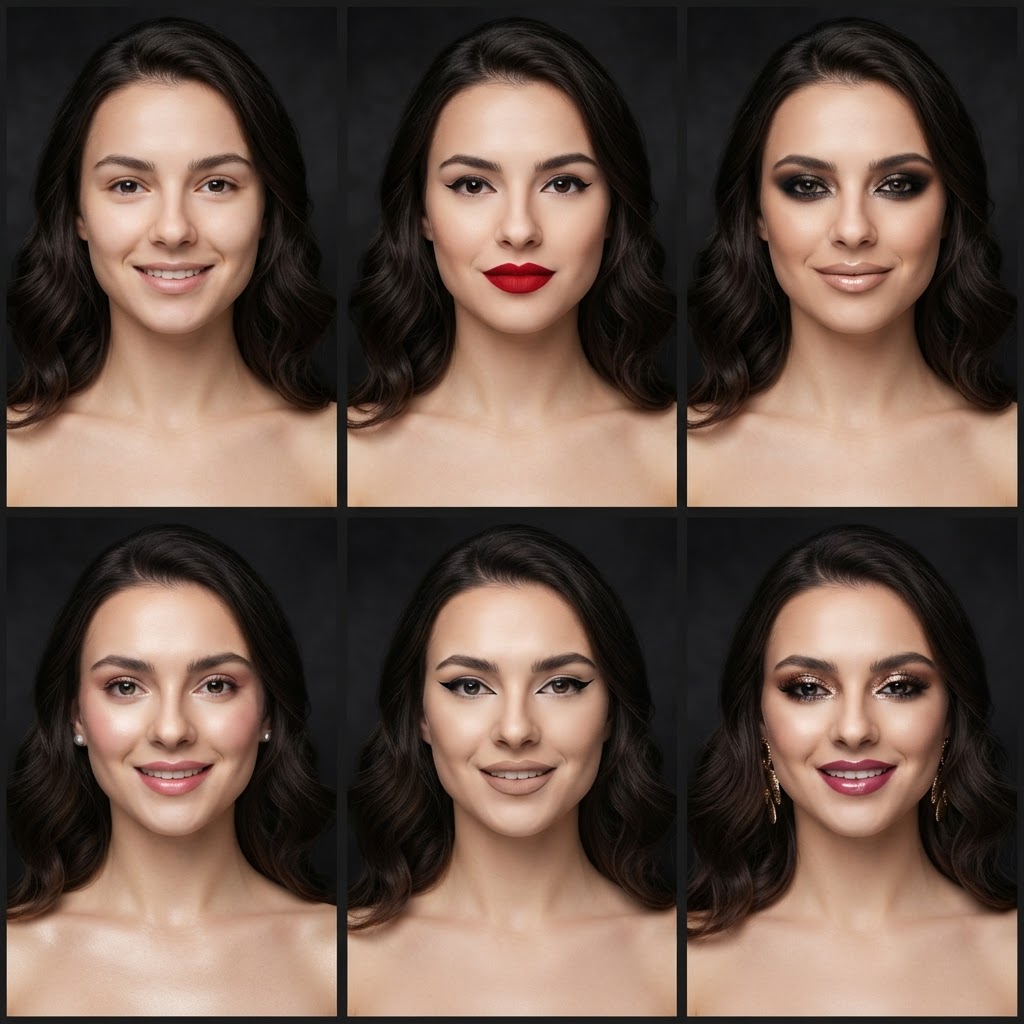
Characters you can try on
The special effects catalog covers the classics: a green-skinned witch, a pale vampire with theatrical fangs, the ice queen, a ghost, a zombie — plus the beautiful dark looks: dark angel, butterflies, roses with thorns. Each character is generated on your face with realistic shadows.
It is the easiest way to check whether a character “sits” on your features — instead of discovering on October 31st at 8 pm that it does not.
From try-on to the real thing
Your chosen variant works as a painting reference: you see where the shadows fall, how pale the skin should be, how strong the accents can get. Recreating makeup from a concrete photo is far easier than from a vague idea.
If you would rather not paint it yourself, hand the generated photo to a makeup artist — or use it as the base for a simpler “inspired by” look.
Halloween in seconds
The AI needs no face paint, no brushes, no two hours at the mirror — a generation takes seconds and the effect is instantly photogenic. Many people use these photos as festive avatars.
Your first 20 generations are free — enough for a whole gallery of Halloween alter egos. No card, no washing face paint off your pillows.